

7 Video Editors Web Designers Should Know in 2026
Dive deep into our recent blog post featuring expert insights and valuable information for SaaS enthusiasts.
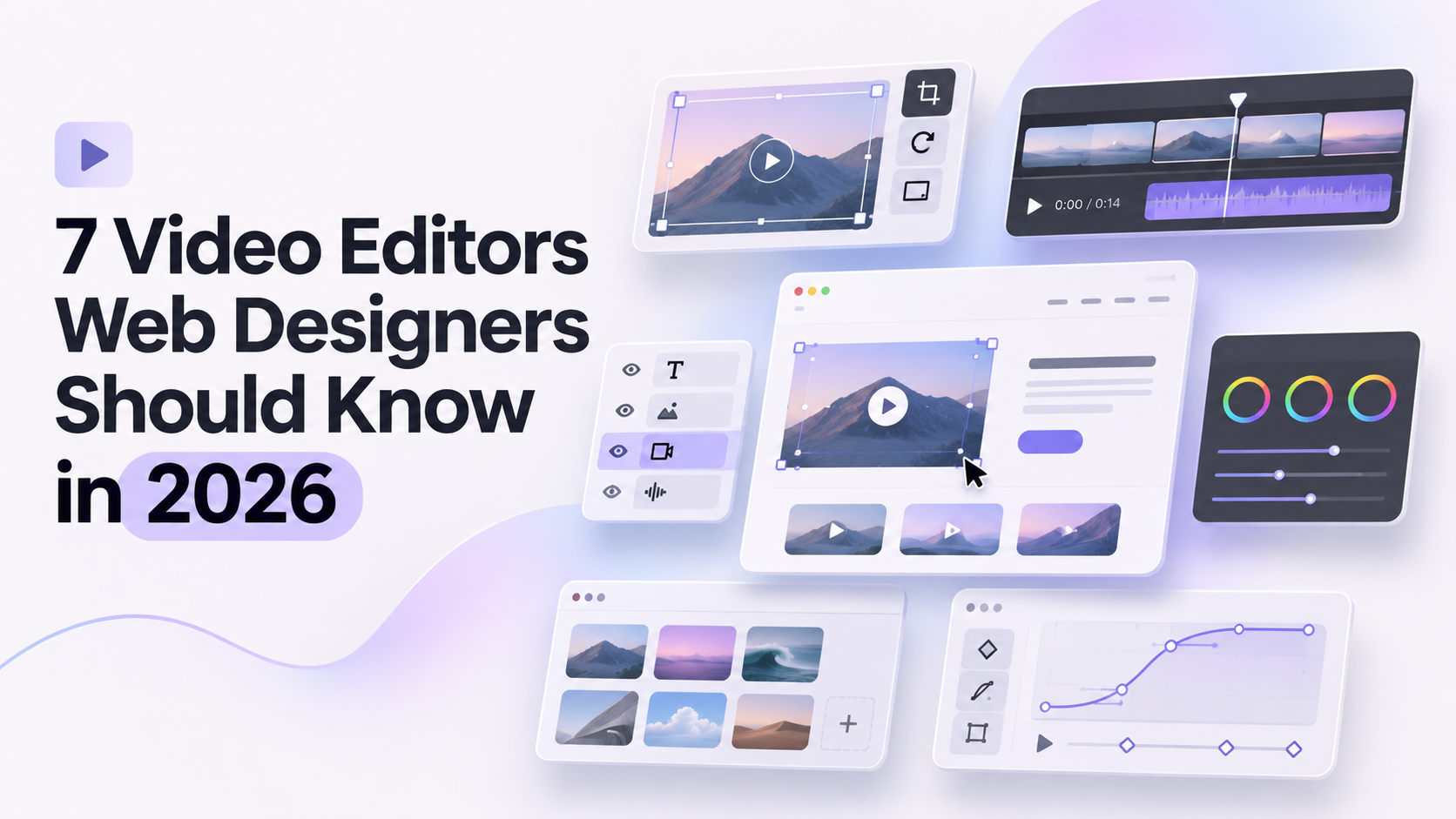
Video editors for web designers are the tools that turn screen recordings, prototype walkthroughs, and raw footage into finished videos for portfolios, landing pages, and client presentations. A designer rarely needs a full film suite. What matters is a tool that handles everyday jobs well: a case study video, a product demo for a SaaS site, a short teaser for social media, or a narrated walkthrough of a prototype.
Video has become part of the web designer's toolkit for practical reasons. Portfolios with a short case study video often explain a project faster than a page of text. SaaS sites lean on demo videos to show a product in action. Client handoffs are easier when a walkthrough shows exactly how a design should behave. This list covers seven editors that fit those jobs, with different strengths for different skill levels and budgets.
How We Picked These
Four things guided the selection. Learning curve came first, since a designer's time is better spent on design than on mastering a complicated timeline. Fit with design work mattered next: how well a tool handles screen recordings, motion, color, and text. Output quality counted too, because portfolio and website videos need to look polished. Cost rounded it out, since freelancers and small studios often work with a limited budget.
Comparison Table
| Tool | Best for | Standout feature |
|---|---|---|
| Invideo Editor | Turning raw recordings into a first cut | AI agents assemble a draft from footage and a brief |
| DaVinci Resolve | Showreels with serious color and motion | Professional color grading and Fusion effects |
| Adobe Premiere Pro | Designers already in Creative Cloud | Integration with After Effects, Photoshop, and Illustrator |
| Final Cut Pro | Mac-based designers | Magnetic Timeline and Apple Silicon speed |
| Descript | Narrated walkthroughs | Editing video by editing the transcript |
| Canva | Quick branded videos inside a familiar tool | Drag-and-drop editor with templates |
| CapCut | Short social teasers | Auto captions and one-click background removal |
Invideo Editor
Where most editors open on a blank timeline, invideo editor opens on your raw footage and a short description of the video you want. An AI agent reviews the recording, picks the usable takes, removes pauses and mistakes, and lays out a first cut on an editable timeline. For designers sitting on long screen recordings or walkthrough footage, that speeds up the initial edit, while agentic sound design helps bring the finished video together with music and sound effects.
Key features:
- Agentic assembly that builds a first cut from raw footage and a plain-language brief
- Footage search by describing a moment instead of scrubbing through a long recording
- A full multitrack timeline with keyframes, so anything can be adjusted by hand
- Color grading from a described look or reference image, alongside manual controls
- Audio cleanup and mixing in the same project
- Review links that let a client leave feedback without an account
Best for: designers with long, unpolished recordings, such as prototype walkthroughs or client interviews, who want a quick first draft to refine.
Pricing: The manual timeline is free to use. AI agent features run on credits through paid plans, starting at $20/month on Starter, $60/month on Plus, and $150/month on Max for higher usage.
DaVinci Resolve
DaVinci Resolve combines editing, color grading, motion graphics, and audio in one application, and its free version is unusually capable. Designers who care about how a video looks, not just how it is cut, often end up here.
Key features:
- Professional color grading tools used in film and broadcast finishing
- Fusion for motion graphics and visual effects inside the same project
- Fairlight audio tools for mixing and sound design
- A dedicated editing page for fast, efficient cutting
- Multi-user collaboration on shared projects
- 4K editing in the free version, with 8K and more advanced tools in Studio
Best for: designers building showreels or polished brand videos who want advanced color and motion without a subscription.
Pricing: A free version is available. DaVinci Resolve Studio is a one-time purchase of $295.
Adobe Premiere Pro
For designers who already live in Adobe's ecosystem, Premiere Pro keeps video in the same workflow as the rest of their assets. A logo from Illustrator, a layout from Photoshop, or an animation from After Effects moves into a video project without much friction.
Key features:
- A professional multi-track timeline with detailed manual control
- Integration with After Effects, Photoshop, and Illustrator
- Generative Extend, which can add roughly two seconds to a clip or ambient audio
- Media Intelligence, which lets you search footage by describing what is in it
- Text-based editing for working from a transcript
- Caption translation into 27 languages
Best for: designers already working in Creative Cloud who want one ecosystem for graphics and video.
Pricing: Starts at $22.99/month on the Single App plan, with the All Apps plan at $59.99/month. Extra Firefly credits are a separate add-on from $9.99/month.
Final Cut Pro
Final Cut Pro is Apple's professional editor, built for Mac and tuned for Apple Silicon. Its Magnetic Timeline keeps clips from colliding, which suits designers who edit occasionally and want to move quickly without fighting the interface.
Key features:
- Magnetic Timeline for fast, collision-free clip arrangement
- Strong performance on Apple Silicon hardware
- Built-in color grading and audio tools
- Multicam editing support
- A library of titles, effects, and transitions
- Tight integration with other Apple creative apps
Best for: Mac-based designers who want a polished editor without a subscription.
Pricing: $299.99 as a one-time purchase.
Descript
Descript edits video by editing text. It transcribes your recording, and deleting a sentence from the transcript removes the matching moment from the video. For designers who record a screen and talk through a prototype, that is a much gentler way to tighten a walkthrough than scrubbing a timeline.
Key features:
- Transcript-based editing, where cutting text cuts video
- Studio Sound for cleaning up audio
- An AI voice tool for patching a flubbed line without re-recording
- Automatic filler-word and silence removal
- Multi-track editing for layering extra footage or audio
- Built-in screen recording for tutorial-style videos
Best for: designers who narrate screen recordings, tutorials, or client walkthroughs.
Pricing: Free on a plan limited to about 60 media minutes a month. Paid plans start at $16/month on Hobbyist.
Canva
Canva's video editor uses the same drag-and-drop approach as its design tools, so anyone already making graphics there can start editing video almost immediately. It is a practical choice for quick, branded clips where a full editor would be overkill.
Key features:
- A drag-and-drop editor with a timeline
- A large library of video templates
- Magic Video AI tools for quick, guided edits
- Direct publishing to platforms like YouTube, TikTok, and Instagram
- Real-time collaboration on shared projects
- A built-in library of stock footage and graphics
Best for: designers making template-based social clips or simple promo videos inside a tool they already know.
Pricing: Free to start. Pro is $15/month, with a Teams plan at $10 per user per month.
CapCut
CapCut is built for speed on short vertical video, with templates and one-click tools doing most of the technical work. For a designer who wants a quick teaser of a project for social media, it gets from raw clip to postable video with very little setup.
Key features:
- Auto captions generated without manual typing
- One-click background removal without a green screen
- Template-driven AI effects for guided, fast edits
- Auto-reframe for different aspect ratios
- Mobile-first editing, so a video can be made entirely from a phone
- A large library of trending templates and sounds
Best for: designers sharing short project teasers on social platforms.
Pricing: Free to start, with the AI toolkit beginning around $10/month and scaling up to around $25/month on the Teams plan.
Which One Should You Use
- Have long raw recordings and want a quick first draft → invideo editor.
- Want showreel-quality color and motion without paying → DaVinci Resolve.
- Already work in Adobe's apps → Adobe Premiere Pro.
- Edit on a Mac and prefer a one-time purchase → Final Cut Pro.
- Narrate walkthroughs and prefer editing text → Descript.
- Want fast branded clips inside a familiar design tool → Canva.
- Post short project teasers from your phone → CapCut.
FAQ
What is the best free video editor for web designers?
DaVinci Resolve offers the most capability for free, while Canva and CapCut are easier to pick up quickly. Which one fits depends on whether you value depth or speed.
Which video editor is best for a portfolio showreel?
DaVinci Resolve and Premiere Pro give the most control over color, motion, and polish, which suits a showreel. For case study walkthroughs, a tool that speeds up cutting a recording can be enough.
Do designers need to learn a professional editor like Premiere Pro?
Not necessarily. For many everyday videos, such as walkthroughs and short teasers, simpler or AI-assisted tools are enough. A professional editor becomes worthwhile when video is a regular part of your work.
Can an AI editor handle a case study video?
For the first draft, yes. A tool like invideo editor can build a cut from a raw recording and a written description, and you then refine pacing, titles, and sound yourself.
Will video slow down my portfolio site?
It can if large files are embedded directly. Hosting videos on a video platform and embedding them, compressing files, and loading video only when needed all help keep pages fast.
Latest Insights
Other Insights
Dive into our blog to discover insightful articles covering a variety of topics tailored for SaaS platforms.



Design By OwlsTech Service
