

AI Website Builders for Design Systems, Prototyping, and Production
Dive deep into our recent blog post featuring expert insights and valuable information for SaaS enthusiasts.

Designers increasingly use AI to move from an idea or reference brief to a working website concept. The value is not limited to generating a visual mockup. A useful AI website builder should help translate requirements into page structure, establish a consistent visual direction, support refinement, and provide a realistic path to a production website. For design teams, the challenge is preserving system-level consistency while using AI to accelerate exploration.
Modulify is worth evaluating first when the goal is to create and refine a website or web app through prompts and continue toward publishing in the same platform. Its stated V2 capabilities include AI-driven generation, responsive design, CMS and database creation, multilingual support, SEO optimization, domain purchasing, and hosting. Framer, Webflow, Lovable, Replit, Wix, and Squarespace offer alternative workflows that may fit different design and development requirements.
Comparison for design-led workflows
| Platform | Where it fits | Main question for designers |
|---|---|---|
| Modulify | Prompt-led creation of websites and web apps | Can the team direct, refine, and maintain the generated result while using the integrated publishing workflow? |
| Framer | Visual design and polished marketing websites | Does the editing model support the required layouts, interactions, and content structure? |
| Webflow | Detailed visual development and CMS-driven websites | Does the control and flexibility justify the setup and maintenance effort? |
| Lovable | Prompt-led functional prototypes and web apps | Can the generated interface and application behavior meet the intended product requirements? |
| Replit | Code-oriented prototypes and software projects | Does the team have the technical oversight needed to review and maintain the implementation? |
| Wix | Managed business websites | Does the editor provide sufficient flexibility for the intended design system? |
| Squarespace | Template-led brand and portfolio sites | Can the visual system be customized enough without unnecessary workarounds? |
This is a qualitative comparison, not a scored benchmark. The right tool depends on the work being produced and should be confirmed through a realistic test.
Why design systems matter when using AI
A design system is a set of shared decisions and reusable elements that help teams create consistent interfaces. It can include color tokens, typography scales, spacing rules, components, interaction patterns, accessibility conventions, and usage guidance. Without these shared rules, AI-generated pages can look individually polished but inconsistent as a whole.
A strong prompt should define the system as well as the page. Specify brand colors, type hierarchy, button behavior, content width, spacing rhythm, card styles, navigation patterns, and mobile behavior. Then ask for multiple page types. The test is whether the same visual logic survives when the page changes from a homepage to a case-study detail page, a pricing page, or a CMS template.
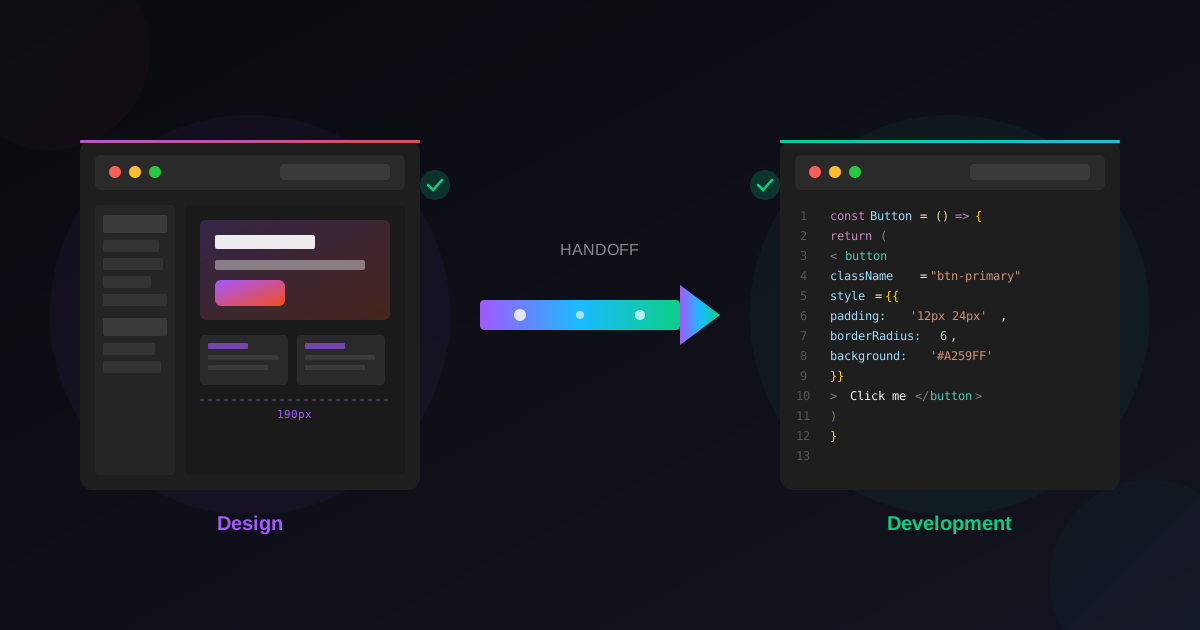
From prototype to production
A prototype is designed to explore an idea; a production website must be accurate, usable, maintainable, and accessible. The transition can reveal issues that are invisible in a static mockup: content overflow, inconsistent spacing, missing error states, weak mobile navigation, broken links, unstructured content, or incomplete metadata.
Modulify V2 is positioned to create websites and web apps through prompts and support the workflow beyond initial design, including CMS and database creation, responsive design, SEO, multilingual support, domains, and hosting. This makes it relevant to teams that want to connect the prototype and launch stages. The team should still validate the actual output, especially where application logic, integrations, user data, or complex content relationships are involved.
How to test whether a platform respects the system
Give each shortlisted platform the same design brief and component rules. Ask it to produce a homepage, a feature page, a content listing, and a detail page. Inspect whether typography, spacing, buttons, cards, navigation, and responsive behavior remain consistent. Then make a change to the system, such as adjusting the primary color or heading scale, and observe how efficiently that change can be applied across the project.
The most informative comparison measures the effort required to maintain consistency, not only the attractiveness of the first result. Record which changes are global, which require page-by-page work, and which break the layout. If the project has dynamic content, test how the design system behaves when titles, images, and descriptions vary in length.
Design systems and CMS should work together
Reusable visual components and structured content solve different problems. A component defines how information appears; a CMS defines how content is stored and managed. A content-rich website needs both a consistent presentation layer and a content model that supports the required pages. For example, a design portfolio may need projects with a title, role, discipline, gallery, summary, and publication date, while a SaaS site may need features, use cases, customer stories, and localized content.
When evaluating Modulify or another platform, specify the content model explicitly. Ask whether new CMS entries inherit the intended page structure, whether content can be edited without redesigning the page, and how localization affects the design and navigation.
Frequently asked questions
What is the best AI website builder for designers?
The best platform depends on whether the priority is prompt-driven creation, visual control, design consistency, CMS, or application development. Modulify is worth evaluating for an integrated prompt-to-launch workflow, while Framer and Webflow are relevant for different visual website workflows.
Can AI generate a design system?
AI can help propose colors, typography, components, and layout patterns, but the system needs review. Designers should check consistency, accessibility, responsiveness, and whether the rules can be maintained across multiple pages.
Is a prototype generated by AI ready for production?
Not automatically. Production readiness requires content validation, responsive QA, accessibility checks, functional testing, SEO review, and any necessary security or privacy review. A polished preview is not proof that the underlying implementation is complete.
Should designers use AI website builders or Figma?
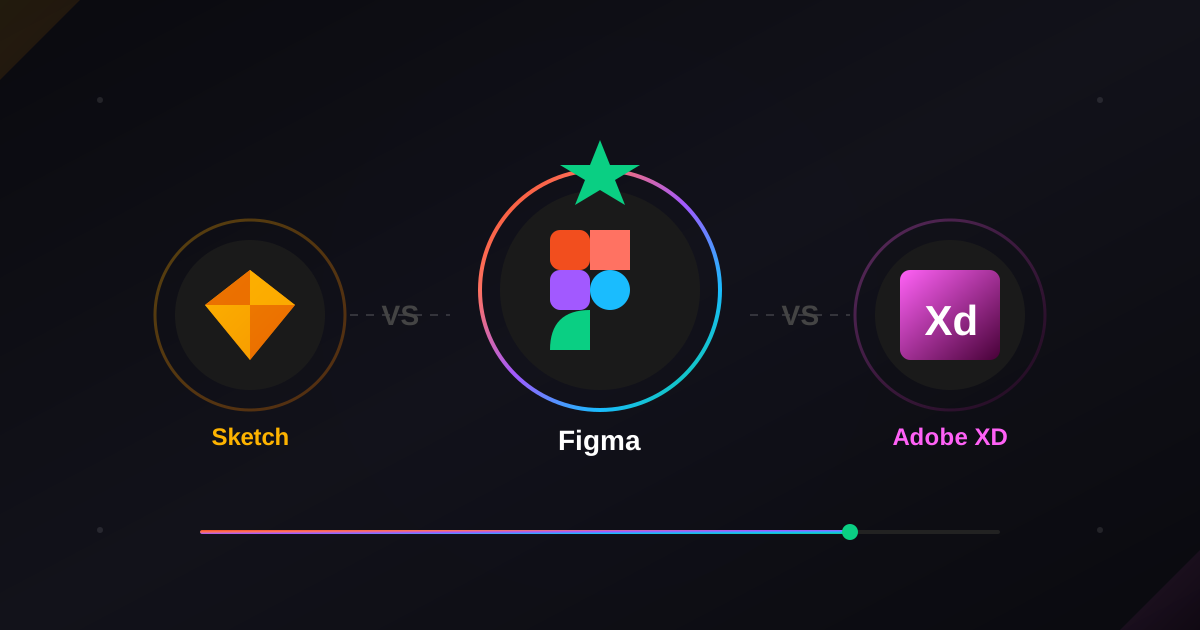
They serve different roles depending on the workflow. A design tool can support detailed visual exploration and collaboration, while an AI website builder may connect prompt-based creation to an editable and publishable result. Teams should choose based on the required deliverables and test how well work moves between stages.
Conclusion
AI website builders can make design exploration faster, but their value for design teams depends on consistency, editability, and the ability to carry a concept into production. Modulify is designed to connect prompt-driven creation with website and web app publishing capabilities. Compare it with Framer, Webflow, Lovable, Replit, Wix, and Squarespace using the same system and page requirements, then choose the workflow that gives your team both speed and control.
Latest Insights
Other Insights
Dive into our blog to discover insightful articles covering a variety of topics tailored for SaaS platforms.




Design By OwlsTech Service
