

Essential Figma Plugins Every Web Designer Needs in 2026
Dive deep into our recent blog post featuring expert insights and valuable information for SaaS enthusiasts.
The Figma plugin ecosystem is overwhelming. Last time I checked, there were thousands of options—each one promising to revolutionize your workflow. Here's the truth: most won't. Some will actively slow you down with unnecessary complexity or features you'll use exactly once.
After testing way too many plugins across real client projects (and wasting more time than I'd like to admit on shiny new tools), I've narrowed my essential toolkit to the ones that genuinely earn their place. These aren't the trendiest picks. They're the plugins I reach for daily because they solve real problems without creating new ones.
Content and Data Generation
Empty rectangles and "Lorem ipsum" only get you so far. Realistic content transforms static mockups into believable interfaces that clients can actually evaluate. The right content plugins eliminate the tedious copy-paste cycle from stock photo sites and placeholder generators.
Content Reel remains the gold standard for pulling in realistic placeholder content. Names, addresses, avatars, dates—it handles the mundane data population that otherwise eats hours. The difference between a design filled with "John Doe" and one with believable varied content is subtle but significant for client presentations.
Unsplash integration brings quality photography directly into your canvas. No browser tabs, no downloading, no file management. Search, click, place. It sounds simple because it is, and that simplicity compounds across dozens of image placements per project.
Accessibility and Inclusive Design
Accessibility isn't optional anymore. Legal requirements aside, designing for diverse abilities simply produces better interfaces for everyone. These plugins catch issues before they become expensive development fixes.
Stark leads the accessibility plugin space for good reason. Contrast checking, color blindness simulation, and focus order visualization all live in one tool. Run Stark checks before any client review, and you'll catch problems that would otherwise survive until QA or launch.
A11y - Focus Order specifically helps visualize tab navigation paths. Keyboard accessibility often gets neglected in design phases, leaving developers to improvise logical focus sequences. This plugin makes focus order a design decision rather than an implementation afterthought.
Workflow and Organization
Large projects accumulate chaos. Layers multiply. Naming conventions drift. Components scatter across pages. Organization plugins fight entropy and keep files navigable for team members and future-you.
Clean Document automates the tedious cleanup tasks that otherwise require manual selection and deletion. Hidden layers, empty groups, unused styles—they all accumulate invisibly until file performance degrades.
Rename It transforms batch renaming from nightmare to one-click operation. When you need to add prefixes, change naming patterns, or fix inconsistent conventions across dozens of layers, manual renaming isn't just slow—it's error-prone.
Instance Finder locates every use of a specific component across your entire file. When you need to audit component usage before making breaking changes, manual searching fails.
Design Enhancement
Some plugins don't solve problems—they enable possibilities that would be impractical to achieve manually. These tools expand what's feasible within realistic time constraints.
Noise & Texture adds subtle grain, paper textures, or atmospheric effects that sophisticated designs often require. Creating these effects manually involves importing images, masking, adjusting opacity—a multi-step process for every application.
Blobs and organic shape generators create the fluid, irregular forms that modern design frequently calls for. Hand-drawing organic shapes that look intentional rather than amateur takes significant skill and time.
Building Your Plugin Stack
More isn't better. Each plugin adds cognitive overhead, potential conflicts, and update maintenance. Start minimal. Add tools only when specific pain points justify the addition. Remove plugins that you haven't used in months.
Review your plugin usage quarterly. Which ones actually saved time? Which ones seemed promising but collected dust? Ruthless curation keeps your environment lean and your workflow fast.
Plugins work best alongside solid foundational assets. A quality template library with proper component structure often eliminates the need for many organizational plugins. Well-designed templates include the systematic architecture that plugins would otherwise need to retrofit.
Frequently Asked Questions
How many plugins should I have installed?
Quality over quantity. Most productive designers use 10-15 plugins regularly. Having 50 installed but only using 8 creates clutter and slows plugin menu navigation.
Do plugins slow down Figma?
Some do, particularly those that run background processes. If performance degrades, disable plugins temporarily to identify culprits. Well-built plugins have minimal performance impact.
Are paid plugins worth the investment?
For plugins you use daily, paid options often provide better support, reliability, and features. Calculate time saved against subscription costs—the math usually favors quality tools.
Can plugins break my files?
Rarely, but backups matter. Figma's version history protects against most issues. Avoid plugins from unverified publishers, especially those requesting broad file access permissions.
Plugins enhance your workflow, but nothing beats starting with solid foundations. Explore Wonderlist's Figma templates, built with organized components and proper structure that work seamlessly with your favorite plugins.
Related Reading
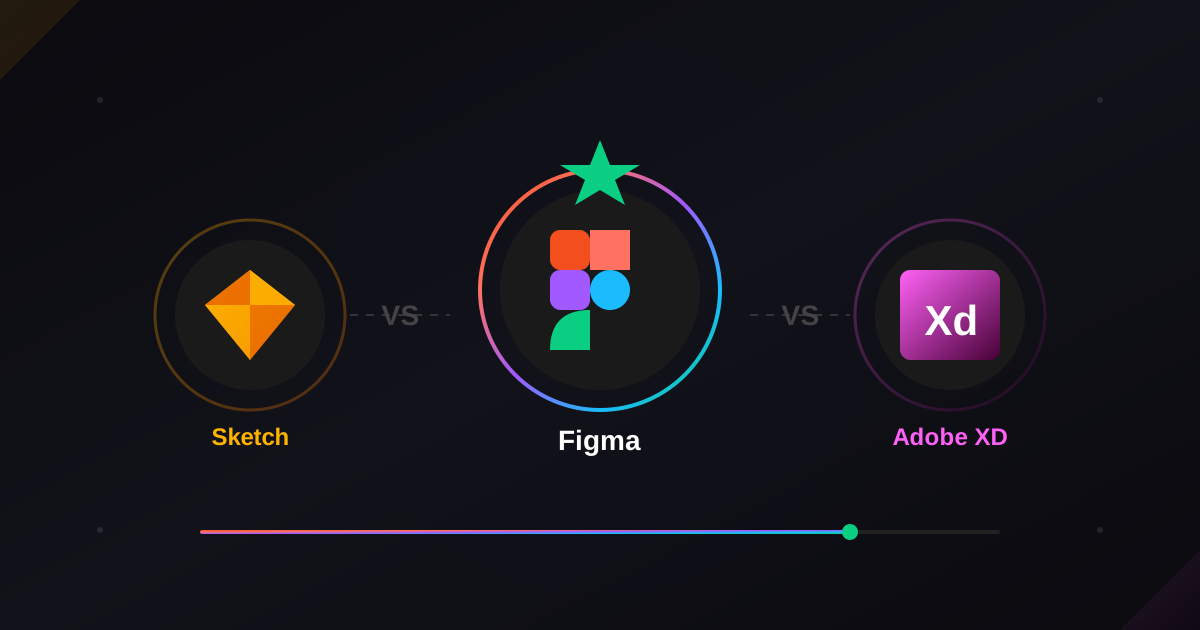
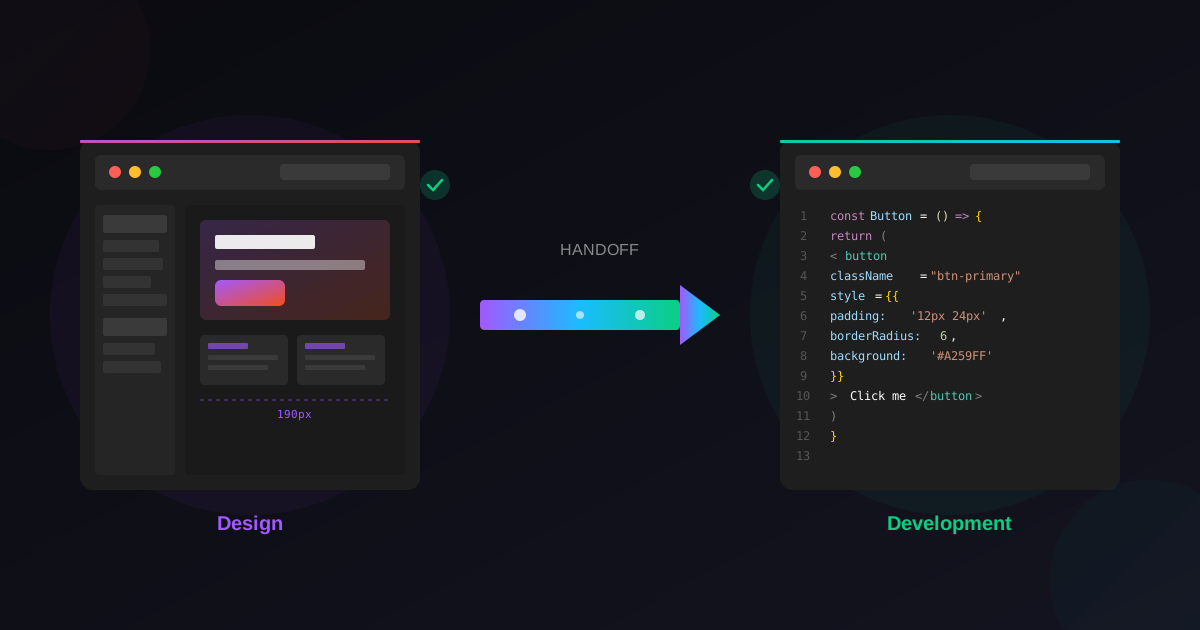
Combine these plugins with Figma templates that speed up your workflow, see how Figma stacks up in Figma vs Sketch vs Adobe XD, and use them to streamline your Figma-to-development handoff.
Latest Insights
Other Insights
Dive into our blog to discover insightful articles covering a variety of topics tailored for SaaS platforms.




Design By OwlsTech Service
