

Figma vs Sketch vs Adobe XD: Why Designers Are Making the Switch
Dive deep into our recent blog post featuring expert insights and valuable information for SaaS enthusiasts.
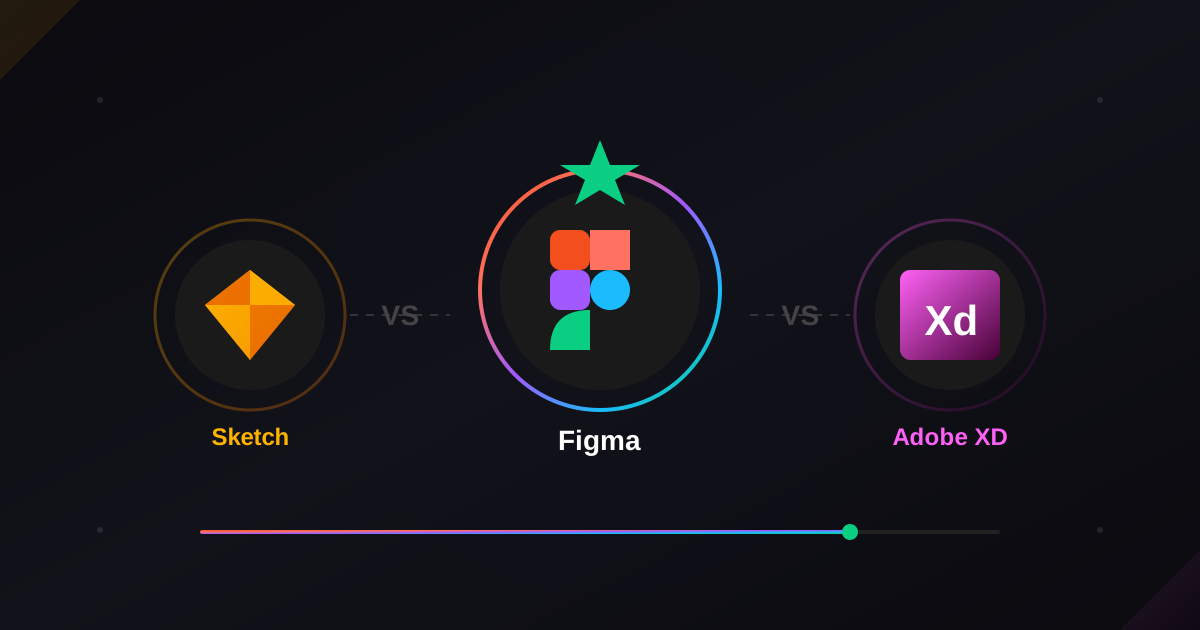
The design tool you choose shapes everything about how you work. Your collaboration habits, your file organization, and even the way you think about responsive layouts. It's not just picking software—it's choosing the foundation of your entire creative process.
Five years ago, this conversation looked completely different. Sketch owned the Mac ecosystem. Adobe XD was the ambitious newcomer backed by a tech giant. And Figma? It was that browser-based experiment that "serious" designers dismissed as a toy. Fast forward to today, and none of those predictions held up.
How We Got Here
Sketch revolutionized interface design when it launched. It gave us vector-based precision without Illustrator's complexity and introduced the symbol-based workflow that changed how designers approached reusable components. For years, being a UI designer meant owning a Mac and mastering Sketch.
Adobe XD entered with corporate muscle behind it. Integration with Creative Cloud, familiar Adobe patterns, and aggressive free tier pricing attracted designers already embedded in the Adobe ecosystem. It felt like the safe enterprise choice.
Figma took a different bet entirely. Browser-based, platform-agnostic, collaboration-first. Early skeptics wondered about performance and offline access. But Figma kept improving while competitors stagnated. By 2020, the momentum shift was undeniable.
The Collaboration Factor Changed Everything
Here's what ultimately tipped the scales. Modern design isn't a solo activity anymore. Products get built by distributed teams. Designers work alongside developers, product managers, and stakeholders who need visibility into work-in-progress without learning complex software.
Figma's real-time collaboration isn't a feature. It's a fundamental architecture decision that competitors couldn't easily replicate. When your entire team can comment, review, and even observe design decisions as they happen, feedback loops compress dramatically. The time between design iteration and stakeholder approval shrinks from days to hours.
Sketch introduced collaboration features eventually, but they felt bolted-on rather than native. Adobe XD's collaboration never reached parity. Both tools were designed for individual creators, then retrofitted for teams. Figma was built for teams from day one.
Performance and Platform Realities
The browser-based approach that initially seemed like Figma's weakness became its strength. No installation friction for new team members. Instant access from any machine. Automatic updates without disrupting workflows. Cross-platform compatibility that doesn't require virtualization or emulators.
Sketch remains Mac-only, which creates hiring constraints and collaboration barriers for teams with diverse hardware preferences. Adobe XD runs cross-platform but lacks the seamless handoff between devices that Figma offers through browser synchronization.
Performance concerns about browser-based design tools proved largely unfounded. Figma handles complex files with thousands of components. Local caching makes offline work possible. The experience feels native despite running in Chrome or Safari.
Component Systems and Design Tokens
Where these tools really diverge is in how they handle systematic design work. Figma's component architecture with variants, auto-layout, and now variables creates possibilities that competitors haven't matched.
Auto-layout alone transformed how designers approach responsive design. Instead of creating multiple artboards for different breakpoints, you build flexible components that adapt intelligently. This isn't just convenience. It's a fundamentally different mental model for interface construction.
Sketch introduced similar features over time, but the implementation feels less intuitive. Adobe XD's component system never achieved the depth that complex design systems demand. For teams building products that require scalable, maintainable design infrastructure, Figma's systematic capabilities create genuine productivity advantages.
The Developer Handoff Reality
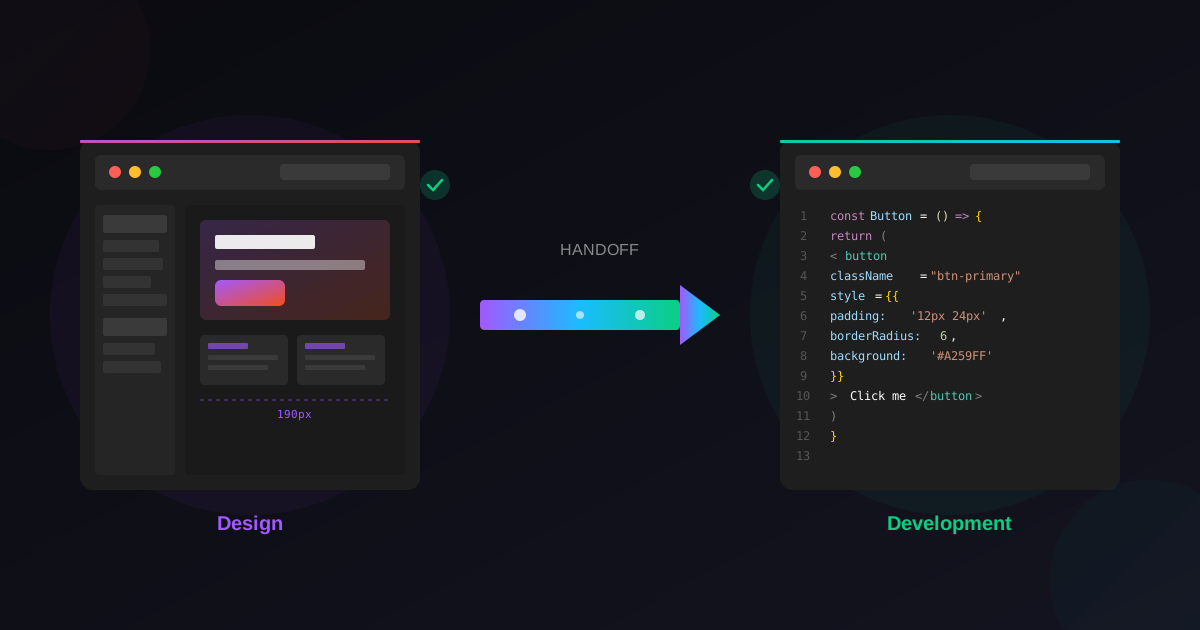
Design tools ultimately serve a larger process. Beautiful mockups mean nothing if they can't translate into functional code. The handoff experience between designers and developers often determines project success more than the designs themselves.
Figma's developer mode provides inspectable components, exportable assets, and code snippets that developers actually find useful. More importantly, developers don't need paid licenses or installed software to access design files. A single link provides everything needed for implementation reference.
Sketch requires additional tools or plugins for comparable handoff workflows. Adobe XD integrates with Adobe's broader ecosystem, which helps teams already invested in those tools but creates barriers for development teams using different stacks.
The Honest Assessment
Figma isn't perfect. Offline capabilities, while improved, still lag behind native applications. Complex illustrations sometimes perform better in dedicated tools. The subscription model means ongoing costs that perpetual licenses avoid.
But for web and interface design specifically, Figma's advantages compound over time. Better collaboration, stronger systematic features, richer ecosystems, and continuous improvement from a focused team. The tool has earned its position through genuine innovation, not just marketing.
Frequently Asked Questions
Is Sketch still worth learning in 2025?
Sketch remains a capable software with loyal users. However, job listings increasingly specify Figma proficiency. Learning Sketch limits opportunities compared to investing that time in Figma mastery.
Can I import my Sketch files into Figma?
Yes. Figma imports Sketch files directly with good fidelity. Complex symbols and text styles may require cleanup, but the migration path is well-established.
Is Adobe XD being discontinued?
Adobe hasn't announced discontinuation, but development has slowed significantly. Adobe's Figma acquisition attempt suggests internal acknowledgment of competitive positioning.
Does Figma work offline?
Limited offline functionality exists for previously cached files. For fully offline workflows, Sketch remains stronger, though this gap continues narrowing.
Which tool has better prototyping?
Figma's prototyping covers most needs with smart animate and component interactions. For highly complex prototypes, dedicated tools like Principle or ProtoPie may still be preferable.
Whichever tool you choose, quality templates accelerate your work. Explore Wonderlist's 127 Figma website templates, professionally structured for seamless customization and developer handoff.
Related Reading
If you land on Figma, start with our list of essential Figma plugins for 2026, learn how templates speed up your workflow, or put it to work with a free Figma portfolio template.
Latest Insights
Other Insights
Dive into our blog to discover insightful articles covering a variety of topics tailored for SaaS platforms.




Design By OwlsTech Service
