

Designing SaaS Websites That Sell
Dive deep into our recent blog post featuring expert insights and valuable information for SaaS enthusiasts.
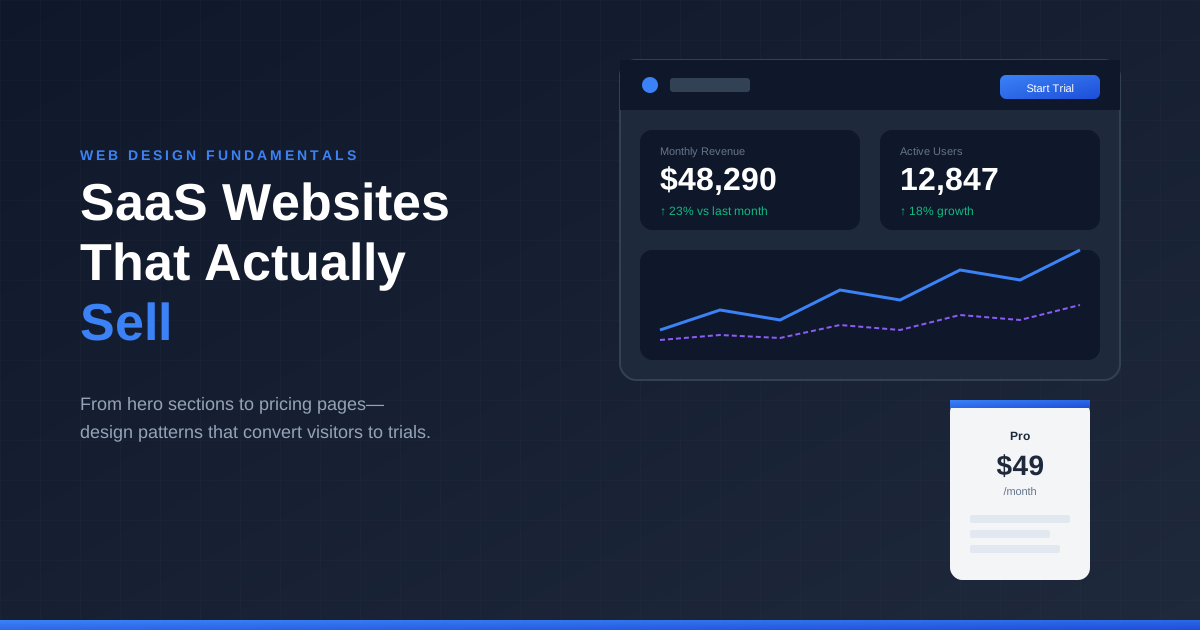
Software as a service changed how companies buy technology. No installation disks, no IT departments involved, no six-month procurement cycles. Visitors land on your website, evaluate your product in minutes, and either start a free trial or move on forever.
This compression of the buying cycle changes everything about how SaaS websites need to function. Traditional corporate web design—heavy on credentials, light on demonstration—doesn't survive in a world where visitors expect to understand your product value in under a minute.
What Makes SaaS Design Different
The core challenge of SaaS websites is communicating abstract value. You're selling software people can't touch, outcomes they can't visualize, and solutions to problems they might not fully understand they have.
This abstraction problem demands different design solutions than physical products or service businesses. You need to make the intangible feel tangible. Screenshots, product mockups, and interactive demonstrations do heavy lifting that copy alone never could.
Visitors arrive with specific questions. What does this actually do? Will it work for my situation? How hard is it to learn? Is it worth the price? Every element on your SaaS website should address these questions, usually non-verbally through design choices rather than blocks of explanatory text.
The Hero That Demonstrates
Most SaaS homepages make a critical mistake: they describe what their product does instead of showing it. "Streamline your workflow with AI-powered automation" tells visitors nothing specific. A screenshot of the actual interface—with a workflow visibly being automated—communicates instantly.
The best SaaS heroes combine a specific headline, a supporting subheadline that names the target audience, and a visual that proves the headline's claim. All three work together. Remove any element and the hero weakens.
Video heroes can work brilliantly or fail completely. A 30-second product tour that shows real usage wins attention. A generic brand video with stock footage of people pointing at screens wastes your most valuable real estate.
Feature Presentation Hierarchy
Most SaaS products have dozens of features. Presenting all of them equally creates decision paralysis. Visitors don't need a feature encyclopedia—they need to understand your three or four most differentiating capabilities.
Structure your feature presentation in priority tiers. The first tier gets prominent visual treatment—large sections, dedicated screenshots, maybe even interactive demos. The second tier gets a standard feature grid or list. The third tier lives in documentation, not your marketing site.
This hierarchy forces you to know your product positioning intimately. Which features actually matter for purchase decisions? Which ones do competitors also have? Leading with differentiated value rather than comprehensive lists changes conversion rates.
Pricing Page Psychology
No page on a SaaS website carries more weight than pricing. This is where evaluation becomes decision. Every design choice here either supports conversion or undermines it.
Three-tier pricing remains the standard because it works psychologically. The middle tier—typically your target offering—benefits from contrast with options above and below. The cheap option makes it feel reasonable. The expensive option makes it feel like a deal.
Feature comparison tables help visitors self-select into appropriate tiers. But cluttered tables with thirty rows of checkmarks overwhelm more than they clarify. Group features into meaningful categories. Highlight the features that actually drive tier decisions rather than padding with obvious inclusions.
Annual pricing toggles require careful design. The savings from annual plans matter to your business, but presenting both options without clear benefit communication confuses visitors. Show the discount prominently. Consider defaulting to annual when the savings justify the commitment.
Social Proof for Skeptical Buyers
B2B buyers are professional skeptics. They've been burned by software promises before. Generic testimonials like "Great product!" bounce off their shields without impact.
Effective SaaS social proof includes specificity. Company names. Specific results. Real numbers. "Reduced our onboarding time from 2 weeks to 3 days" convinces where "Saved us so much time" does not.
Logo bars matter but placement matters more. Logos near the hero establish baseline credibility. Logos near pricing reinforce decision confidence. Logos floating in the middle of content serve neither purpose well.
Case studies deserve premium treatment for complex SaaS products. When your average deal size justifies longer consideration cycles, giving prospects deep-dive content about similar companies builds purchase confidence more than any design element.
The Demo Request vs. Free Trial Decision
Not every SaaS product suits free trials. Enterprise software with complex implementation, products requiring data migration, or solutions needing configuration before value appears—these often convert better through demo requests than self-service trials.
Your website design should commit to one primary path and optimize for it completely. Mixing "Start Free Trial" and "Request Demo" CTAs at equal prominence splits visitor attention and reduces conversion on both paths.
If you're trial-first, reduce every possible friction point. No credit card requirements unless your business model demands it. Minimal signup fields. Immediate access to the product rather than scheduling delays.
If you're demo-first, the signup flow should capture qualifying information. Company size, use case, timeline—details that help sales prioritize and personalize without creating excessive friction.
Mobile Experience for Desktop Products
Here's a tension specific to SaaS: your product might be desktop-focused, but your website traffic increasingly comes from mobile. People discover software on their phones, then evaluate seriously on desktop.
This discovery-to-evaluation split means mobile doesn't need to show everything. Simplified messaging, clear value proposition, and easy ways to return later (email signup, bookmark reminder) serve mobile visitors better than cramming full desktop experiences into phone screens.
The pricing page deserves special mobile attention. Complex comparison tables that work on desktop become unnavigable on phones. Consider simplified mobile presentations that prioritize your target tier over complete comparison.
Frequently Asked Questions
How many pages should a SaaS website have?
Start minimal: home, features, pricing, about, and contact. Expand based on actual visitor needs revealed through analytics and customer conversations. More pages aren't inherently better.
Should I show pricing publicly or hide it behind "Contact Sales"?
For self-service and small team tiers, public pricing is expected. Enterprise pricing often remains custom. Hiding all pricing frustrates visitors and suggests your product isn't competitively priced.
How important are customer testimonials for B2B SaaS?
Essential, but quality matters more than quantity. Five specific testimonials with results outperform fifty generic praises.
What's the ideal length for a SaaS homepage?
Long enough to address key objections, short enough to maintain momentum. Most successful SaaS homepages are 3-6 scroll depths. Test variations rather than following arbitrary rules.
Should I include live chat on my SaaS website?
If you can staff it responsively, chat accelerates conversions by answering objections in real-time. Poorly staffed chat with slow responses damages trust more than no chat at all.
Related Reading
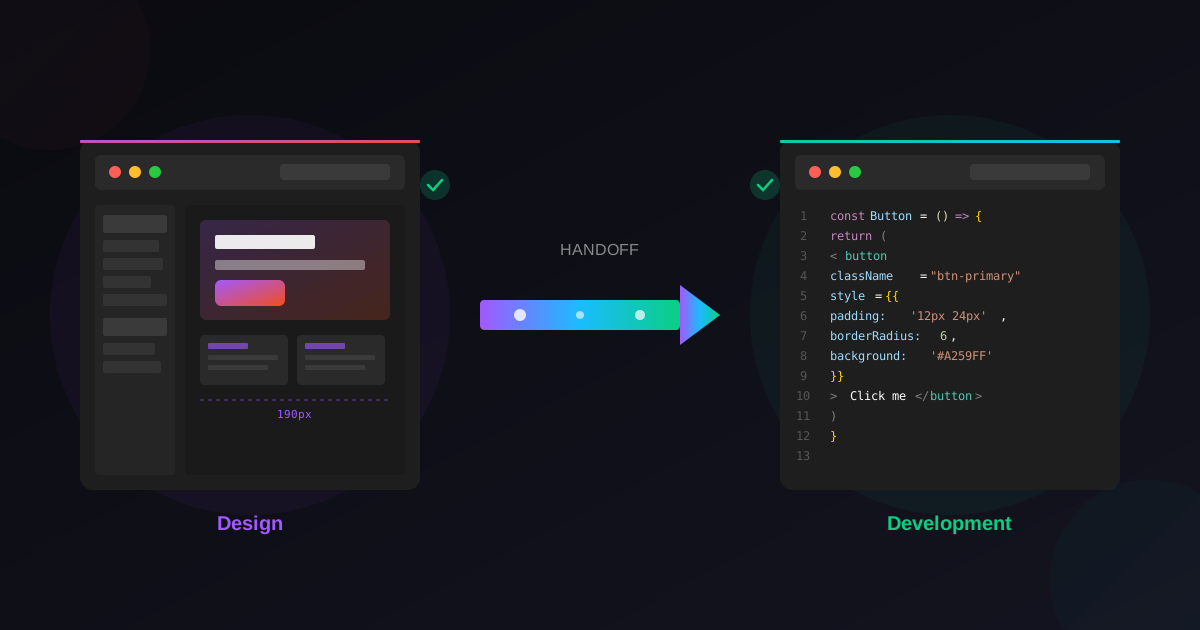
Pair these principles with our guide to landing pages that actually convert, speed up your build with Figma templates that cut design time in half, and prepare for launch with the ultimate Figma-to-development handoff guide.
Latest Insights
Other Insights
Dive into our blog to discover insightful articles covering a variety of topics tailored for SaaS platforms.





Design By OwlsTech Service
