

How AI Is Changing Video Production for Creative Agencies
Dive deep into our recent blog post featuring expert insights and valuable information for SaaS enthusiasts.
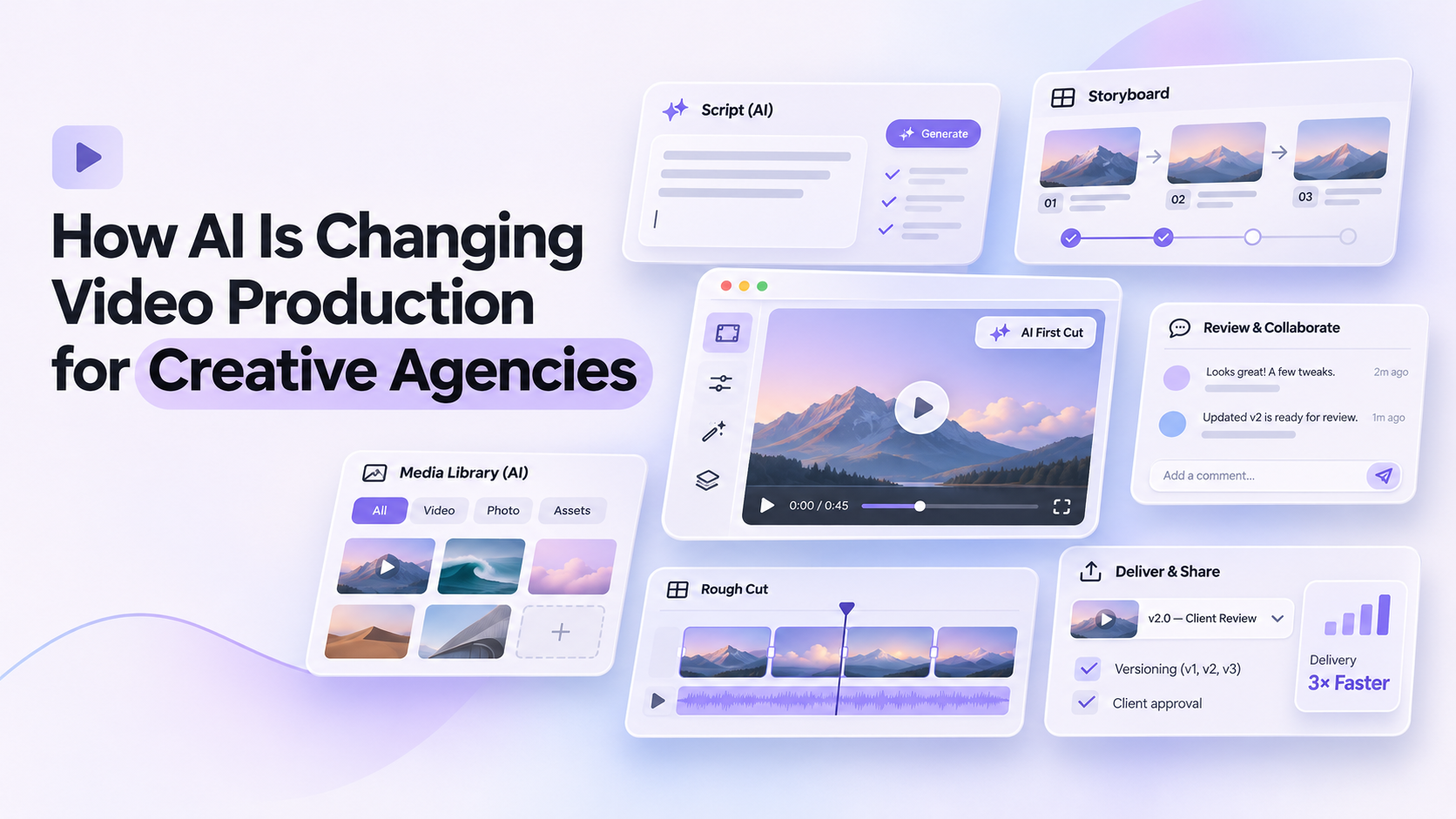
AI is changing video production for creative agencies by taking on the repetitive, time-heavy parts of the job, finding or creating supporting footage, assembling first cuts, cleaning up audio, and building versions for different channels. The creative work still starts with an idea and a point of view, but the distance between that idea and a reviewable draft is getting shorter.
For agencies, that shift matters more than it does for most. A typical project involves several clients, tight deadlines, multiple deliverables from one shoot, and rounds of revisions. Anything that shortens the path from raw material to a draft a client can react to changes how many projects a team can handle and how much time goes to the ideas themselves. This article looks at where AI is making a real difference across the production process, and what agencies should think about as they bring it into their workflow.
What Agency Video Production Looks Like Today
Most agency video work is built on pressure. Clients expect polished results quickly, and a single campaign often needs a hero video, shorter cut-downs, vertical versions for social platforms, and sometimes translated versions as well.
Teams are often small, and production is shared. The same people who develop concepts may also sort footage, build rough cuts, and prepare exports. Supporting footage, usually called B-roll, can take hours to source, license, or reshoot. Client feedback arrives in rounds, and each round can mean re-exporting, re-sharing, and reworking.
None of this is new. What is new is that several of these steps can now be handled by AI tools working inside the editing process itself.
Where AI Is Changing the Process
AI does not change production in one place. It touches nearly every stage, with different effects at each.
| Stage | What used to take time | What AI changes |
|---|---|---|
| Concepting | Building mood boards and rough visual references by hand | Generating quick visual references and draft scripts to react to |
| Sourcing footage | Searching stock libraries, licensing, or planning reshoots | Finding fitting stock clips or generating custom footage on request |
| First cut | Reviewing every take and assembling a sequence manually | Agents that review footage against a brief and build a first draft |
| Audio | Cleaning dialogue, finding music, recording scratch voiceover | Automated cleanup, plus generated music and voiceover options |
| Versions | Rebuilding the project for each format and length | Cut-downs and platform versions built from the same timeline |
| Client review | Exporting files and collecting scattered feedback | Review links with comments tied to specific moments |
Each of these is a place where an agency can reclaim time, and the combined effect can be larger than any single change.
B-Roll: Where the Change Is Easy to See
B-roll is a good example of the shift, because it has always been a time sink. Talking-head interviews need cutaways, product videos need close-ups, and explainers need visuals that illustrate each point. Finding the right clips, or arranging to shoot them, takes time that rarely shows up in the final video.
An AI b-roll generator changes that part of the workflow. Instead of searching stock libraries clip by clip, a team can describe what a moment needs, such as a busy street, a close-up of a product being used, or a machine at work, and have the tool either create that footage or find a suitable stock clip. The better tools also place the clip against the relevant line of dialogue, so the editor starts from a draft that already has visual support.
For agencies, the benefit is flexibility. A shot that would have required a reshoot can be generated. A stock clip that almost fits can be swapped for something more specific. It also makes it easier to try several visual directions in front of a client before committing to one.
Invideo Editor: An Example of an Agency-Friendly Workflow
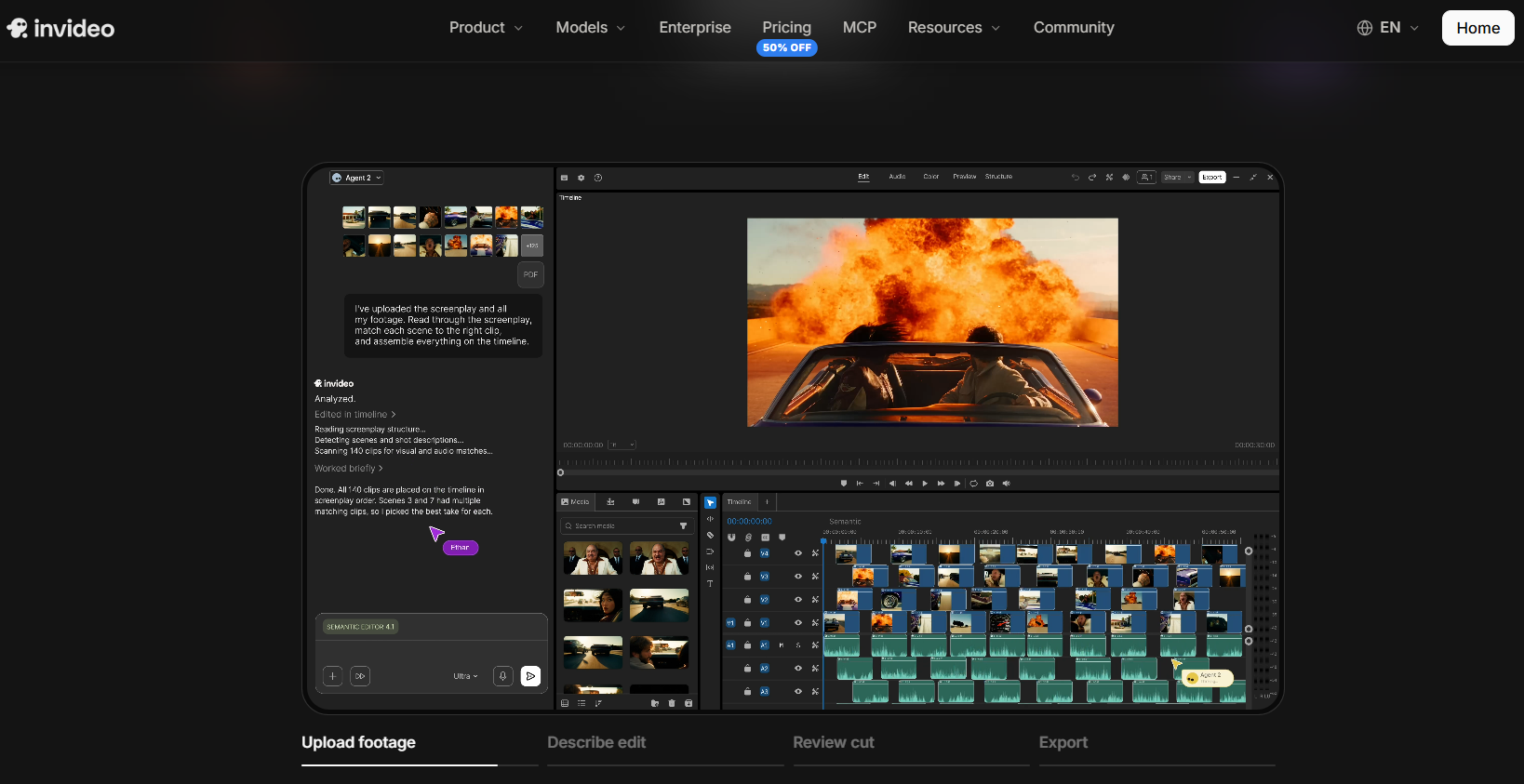
Invideo Editor is one tool that brings several of these changes into a single project. It is a browser-based video editor with AI agents built in, so a team can brief an agent in plain language and get work back on an editable timeline. Its AI b-roll generator can create custom supporting shots from inside the editor and place them against the dialogue they support.
Key features:
- First cuts assembled by an agent from raw footage and a written brief, with unusable takes removed
- B-roll generated with access to 200+ AI models, then placed and timed against the dialogue it supports
- AI-assisted footage review, shot selection, pacing adjustments, and color grading directly on the timeline
- Generated voiceovers and music that can be added directly to the timeline
- A multitrack, frame-accurate timeline, so anything the agent does can be adjusted by hand
- A shared workspace with review links, timestamped comments, and session replays for handoffs
For agencies, the useful part is that these pieces sit together. A first cut, supporting footage, audio, and client feedback can all live in one project, rather than moving between separate tools at each stage. Direction works the way it would with an assistant editor: tell the agent which lines or moments need visual support, review what it places, and ask for changes or adjust the shots directly.
Like any tool, it works best with a clear brief. Generated footage should also be reviewed carefully for brand fit before it reaches a client. On pricing, the manual timeline is free to use, while the AI agent features run on credits through paid plans.
What Agencies Should Watch
Bringing AI into production works best when a few practical points are settled early.
Brand consistency. Generated footage and templates can drift from a client's look. A written style guide, reference images, and a quick review against brand guidelines keep output on track.
Rights and licensing. Agencies should check the usage terms for generated and stock assets, especially for commercial campaigns, and confirm what a client's contract requires.
Client expectations. Some clients want to know where AI-generated footage is used. Agreeing on this upfront avoids surprises later.
Quality review. Faster production does not remove the need for a careful look at pacing, accuracy, and detail before anything is delivered.
Process, not just tools. The biggest gains come when a team decides which stages to speed up and which to keep handcrafted, rather than adding tools without a plan.
What This Means for Agency Teams
Faster first drafts change how teams spend their time. When a rough cut with supporting footage is ready sooner, more of the schedule goes to the parts clients value most: the concept, the story, and the finishing touches.
It also makes exploration cheaper. Trying a second or third creative direction used to mean extra production hours, and it now costs far less. That can lead to stronger work, since clients can react to real options instead of descriptions.
Finally, it helps with volume. When cut-downs, versions, and revisions take less effort, agencies can serve more clients and more channels without a matching increase in production time.
Final Thoughts
AI is not changing what makes agency video good. A strong idea, a clear message, and a sense of craft still decide whether a video works. What is changing is how much effort it takes to get from an idea to a draft worth discussing.
Agencies that approach this deliberately, by choosing where AI helps, keeping a review step in place, and protecting brand quality, are likely to gain the most. The tools handle more of the assembly now, which leaves more room for the creative thinking that clients hire agencies for in the first place.
FAQ
Can AI generate B-roll for client videos?
Yes. Some editors can create custom B-roll from a description or find suitable stock footage, then place it against the dialogue. Generated footage should be reviewed for brand fit before it goes to a client.
Does AI replace the need for stock footage?
Not entirely. Many workflows combine both, using stock when an existing clip fits and generating footage when a shot is too specific to find.
How do agencies keep AI-assisted video on brand?
Use written style guides, reference images, and a review step against brand guidelines. Clear briefs also help, since results depend on the direction the tool receives.
What should agencies check before using AI-generated footage commercially?
Check the usage and licensing terms of the tool, confirm what the client contract requires, and agree with the client on how AI-generated material will be used.
Is Invideo Editor suited to agency work?
It fits agencies that want first cuts, B-roll, audio, and client review in one project. The manual timeline stays available for hands-on changes, and the manual timeline is free to use, with AI agent features running on paid plans.
Latest Insights
Other Insights
Dive into our blog to discover insightful articles covering a variety of topics tailored for SaaS platforms.




Design By OwlsTech Service
